
The platform you trade on does not change the market, but it changes how you place orders, what you can test and how many mistakes you make. MetaTrader 4, MetaTrader 5 and cTrader are the three platforms most retail forex brokers offer, and they differ in ways that matter more to a beginner than the marketing suggests. The best choice is the one your broker supports well and that you learn thoroughly.
The short version
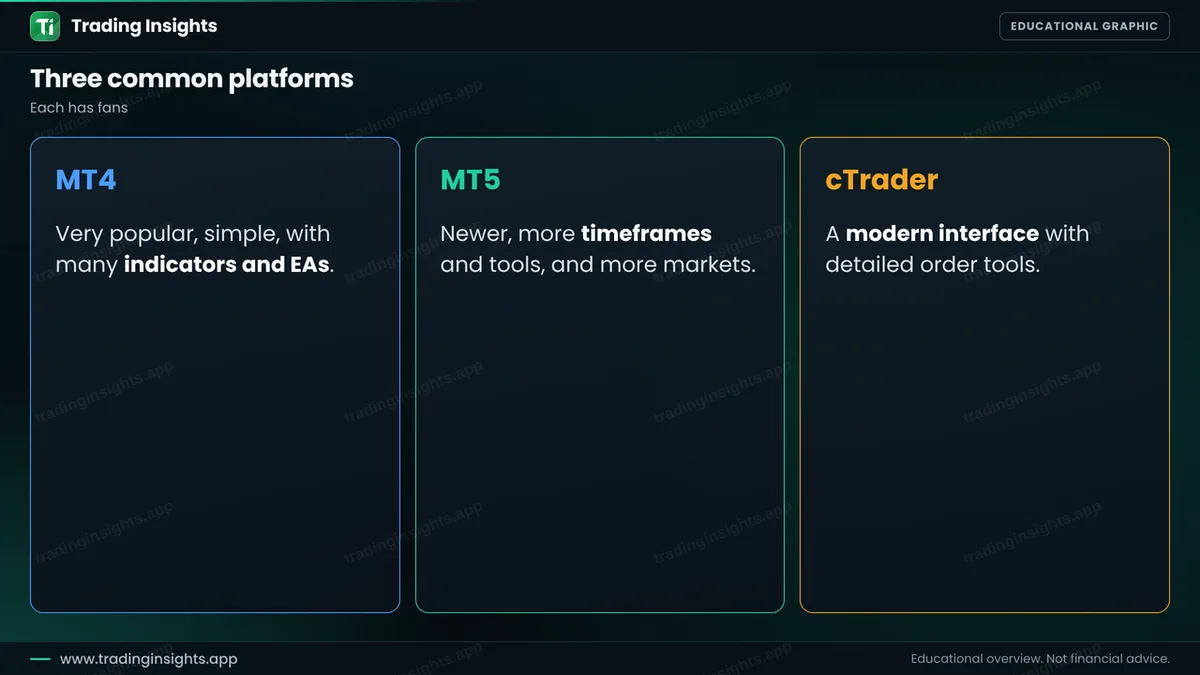
MetaTrader 4 (MT4), from MetaQuotes, arrived in 2005 and is simple and widely supported. MetaTrader 5 (MT5), from the same company, arrived in 2010 and is a broader platform that also handles stocks and futures at brokers who offer them. cTrader is made by Spotware and has a more modern interface. Which of them you can use depends on your broker, since each broker decides what to offer.
What actually differs
- Order handling. MT4 accounts allow hedging, which means holding buy and sell positions in the same pair at once. MT5 supports both a netting mode, where positions in the same pair are merged, and a hedging mode, depending on the broker's setup.
- Timeframes and tools. MT5 has more chart timeframes and more built-in tools, including an economic calendar. MT4 has fewer but covers the common ones.
- Automation. MT4 uses the MQL4 language for Expert Advisors, and MT5 uses MQL5. Programs written for one do not run on the other without changes. cTrader uses cBots written in C#.
- Backtesting. Each platform has a strategy tester, and quality differs. Check the data quality and whether it models spreads.
- Interface. cTrader is often described as cleaner, particularly for placing orders from the chart. MT4 looks dated but is familiar to many traders.
- Availability. Not every broker offers every platform, and some offer a platform only on certain account types.
What to compare before choosing
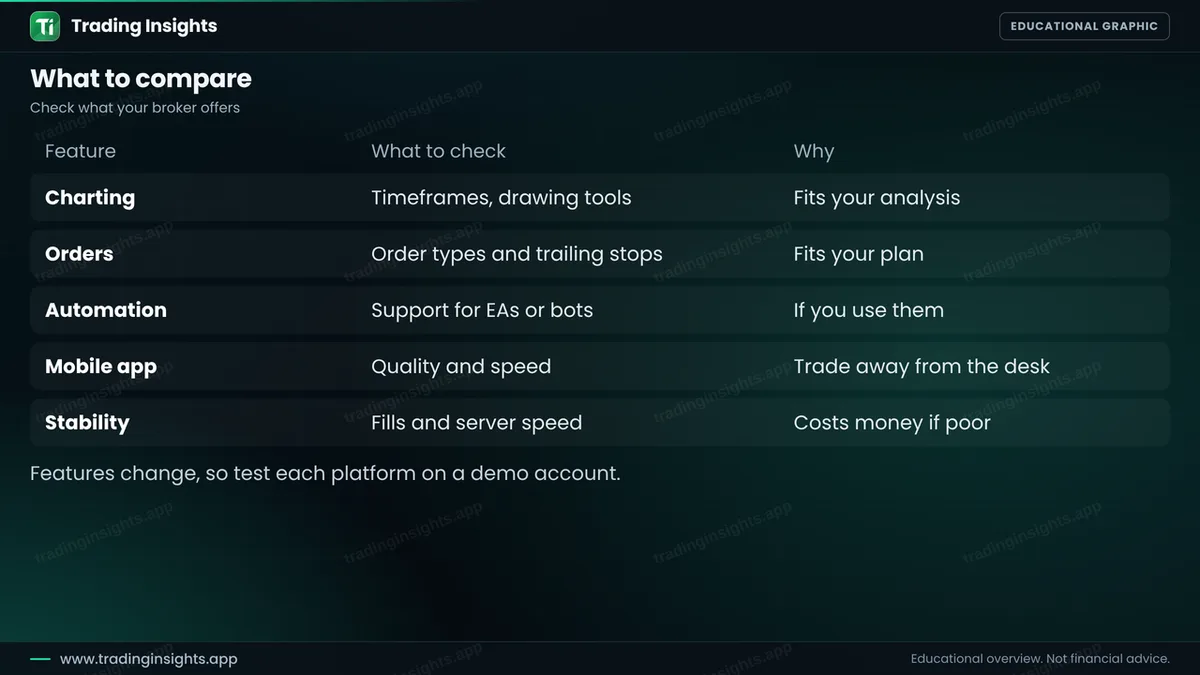
Begin with your needs. If you trade manually on a few pairs, any of the three will do. If you plan to automate or test strategies, look at the testing tools and the language. If you need hedging, check how the broker implements it. Also compare the costs: some brokers show different spreads or commissions on different platforms.
Where the choice matters less than people think
A trading plan matters far more than a platform. Entries, stops and position size are the same whatever you click. Many beginners spend weeks comparing software and little time on risk rules, and then lose money for reasons the platform could not have prevented. The platform decision should take a day, not a month.
Steps to test a platform without risk
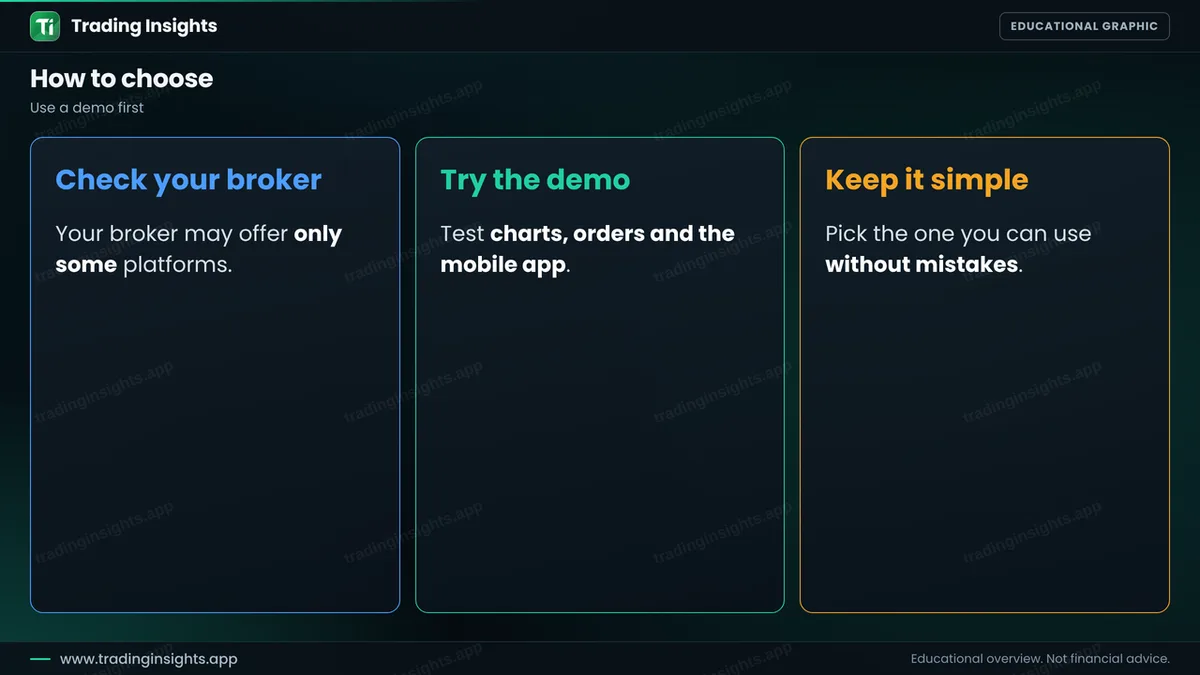
- Open a demo account with the broker on the platform you are considering.
- Place a trade with a pending order and a stop-loss and check where each field is.
- Check how the platform shows lot size and pip value, so you can confirm that the size matches your plan. The position size calculator gives the figure to compare against.
- Test the modification and closing of orders, including partial closes.
- Try the chart tools you rely on, such as drawing levels and loading indicators.
- Check the history and report screens, since you will use them for your journal. The glossary explains terms such as hedging and netting.
Illustrative example: the same plan, placed correctly
The following is an illustrative example in which every price is made up. A trader on a demo account tests a plan on EUR/USD. The risk is 1% of a $5,500 account, which is $55, and the stop is 22 pips. The size is $55 / (22 pips x $10) = 0.25 lot. The trader buys at 1.0880 with a stop at 1.0858 and a target at 1.0924, which is 44 pips, and checks that the order ticket shows 0.25.
Price reaches the target and the trade makes 44 pips x $10 x 0.25 = $110, a 2R win. The point of the demo was to confirm the order ticket and the pip value before real money was involved.
Illustrative example: a ticket error that costs ten times the plan
This is another illustrative example. On a different platform, the lot field accepts values in a layout the trader has not used before. The plan is a sell on GBP/USD at 1.2650 with a 55-pip stop and a 110-pip target, with a risk of $55 on the same account, which gives 0.10 lot. The trader types 1.00 by mistake.
The stop is hit. The planned loss was 55 pips x $10 x 0.10 = $55, but the real loss is 55 pips x $10 x 1.00 = $550, which is ten percent of the account. A correct target would have paid $110 at the planned size. A demo run on the new platform, and a habit of reading the ticket before sending it, would have caught the error.
Common mistakes
- Choosing a platform for its look. It does not change results. Fix it by choosing on broker support and the features you need.
- Skipping the demo. A new order ticket is an easy place to make an error. Fix it by practising every order type first.
- Ignoring costs. Spreads and commissions can differ by platform. Fix it by comparing them for the pairs you trade.
- Assuming programs transfer. MT4 and MT5 code is not interchangeable. Fix it by checking compatibility before you buy or write one.
- Switching platforms often. Each switch brings new errors. Fix it by staying with one until you are fluent.
Pre-trade checklist
- You know which platform and account type you are using.
- The order ticket shows the lot size you calculated.
- The stop-loss and take-profit fields are filled correctly.
- Pip value and lot size have been checked for the pair.
- You have confirmed the spread and commission.
- You know how to close or modify the trade quickly.
Frequently asked questions
Which platform is best for beginners?
Any of them can work. Pick the one your broker supports well, practise on a demo, and focus on risk rules instead of features.
What is the main difference between MT4 and MT5?
MT5 is newer, with more timeframes and built-in tools, and it covers more asset types. MT4 is simpler and still widely used.
Can I run an MT4 robot on MT5?
Generally not without changes, because they use different programming languages. Programs written in MQL4 would need to be rewritten in MQL5. Check compatibility before buying or writing one.
What is cTrader?
A trading platform from Spotware with a modern interface, offered by some brokers. It is known for a clean interface and for cBots written in C#. Availability depends on your broker.
Does the platform affect my results?
Only through order handling, costs and the tools you use. Your plan and risk control matter much more.
Speculating in markets brings the possibility of substantial losses. This article is written for educational purposes and is not financial advice. Platform features vary by broker, examples use invented numbers, and order errors can cause real losses.


