
The forex market is open around the clock on weekdays, but it is not equally busy at every hour. Activity follows the business day of the big financial centres, so the question that matters is when London and New York are open in your own time zone. The answer takes four steps: convert the local business hours to UTC, add your own offset, check the overlap and repeat the check when clocks change. Daylight saving is where most people go wrong, because London and New York do not change their clocks on the same dates. For the basics of why sessions matter, read forex trading sessions explained. Terms such as rollover and session overlap are explained in the glossary.
Why forex session times are confusing
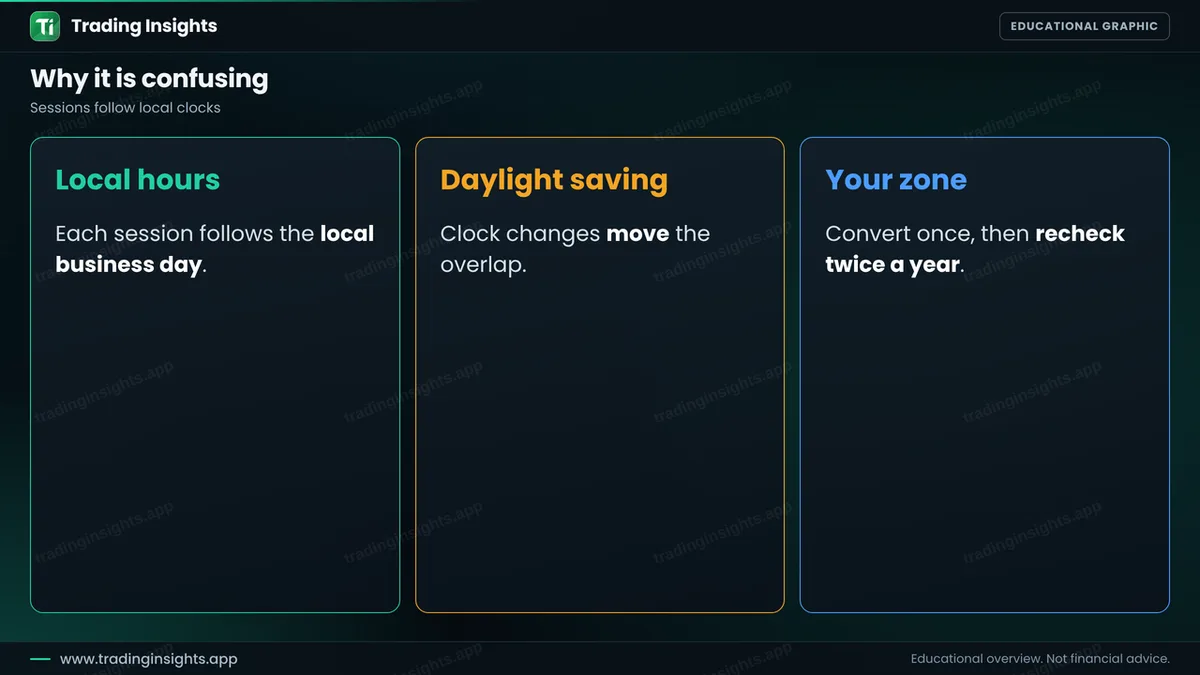
Each session follows the local business day, so its hours in your zone depend on your offset from that city. London uses UTC in winter and UTC+1 in summer. New York uses UTC-5 in winter and UTC-4 in summer. The two cities normally sit five hours apart. In the weeks between the UK clock change and the US clock change, in spring and in autumn, the gap becomes four hours instead. A session chart made for one season can be wrong in another.
How to convert London and New York hours, step by step
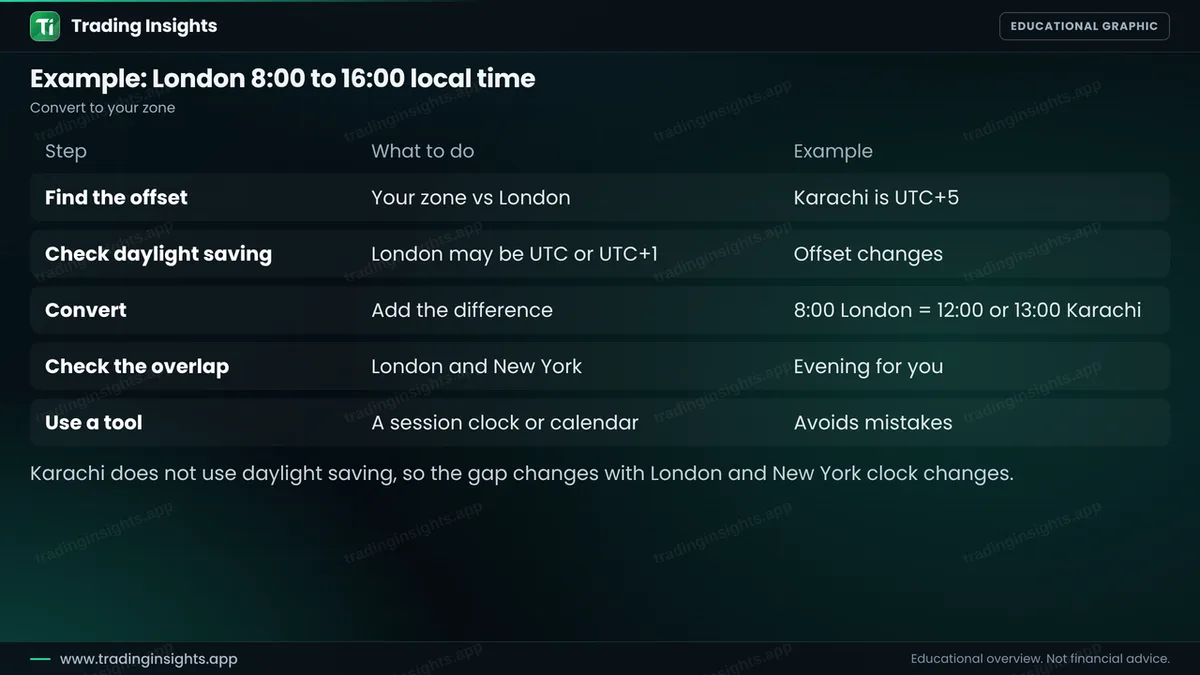
- Find your offset. Look up your zone's difference from UTC and whether it uses daylight saving.
- Find the city's offset for the date you care about, not just for today.
- Convert the session start to UTC. For example, 8:00 in London in winter is 8:00 UTC.
- Add your offset. The result is the start time in your zone.
- Do the same for New York, and mark the period when both are open.
- Verify with a live session clock before you trade.
An illustrative example for UTC+5
Take a trader in Karachi, which is UTC+5 all year. In winter, 8:00 in London is 13:00 in Karachi. In summer, it is 12:00. New York at 8:00 is 18:00 in Karachi in winter (UTC-5) and 17:00 in summer (UTC-4).
Define the overlap as the time from the New York open at 8:00 until the London close at 16:00. For this trader it runs from 18:00 to 21:00 in winter, from 17:00 to 20:00 in summer, and from 17:00 to 21:00 in the weeks when the two cities are four hours apart. The overlap is even a little longer in those weeks. Always check the real clocks against a live tool.
Why daylight saving shifts the overlap
London and New York change their clocks on different dates, so the time gap between them is briefly smaller than usual. During those weeks, the overlap can start or end an hour earlier or later in your zone. If you trade the overlap, check the times for each week around the changes and not just once a year. A trader whose own country has no daylight saving sees the shift most clearly, because only the London and New York clocks move.
How to use session times in a routine
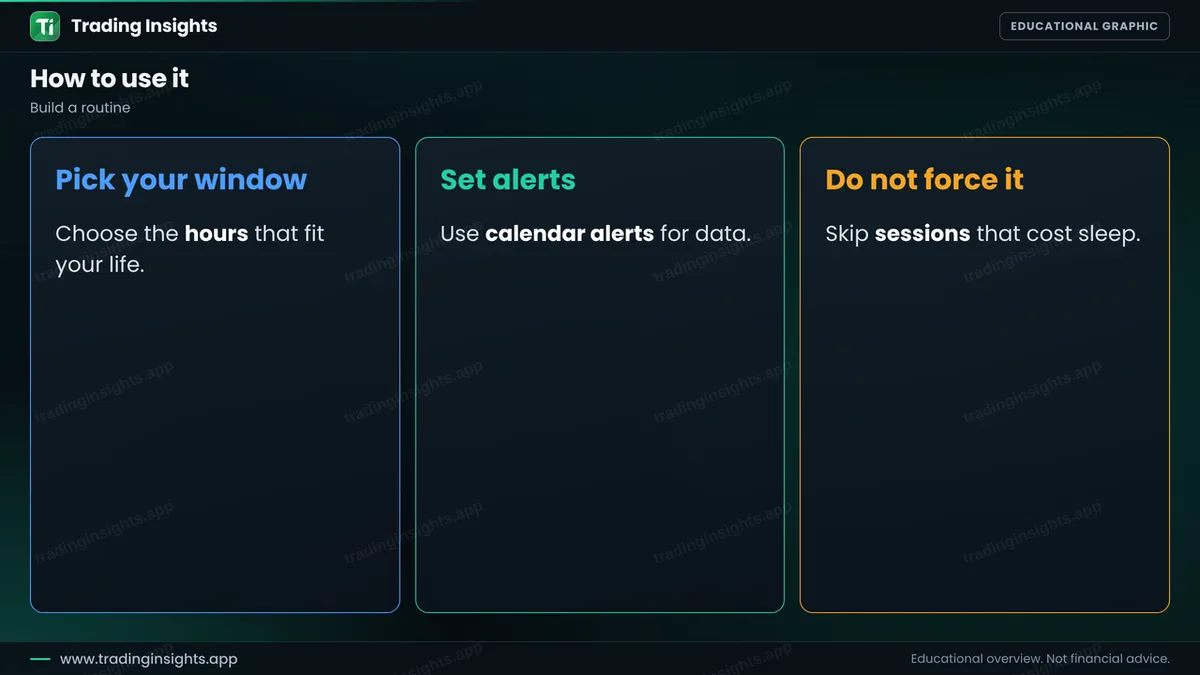
- Pick your window. Choose the session that fits your life, and not the other way round.
- Use a session clock or a calendar that shows times in your zone.
- Set alerts for major data releases.
- Recheck the times when daylight saving changes.
- Skip sessions that cost sleep. See a daily trading routine.
When the session idea does not help
Session timing is a guide to liquidity and not a rule. A quiet London morning can still produce a sharp move on a data surprise, and a busy overlap can be flat on a holiday. Some pairs follow their home session more closely: yen pairs are active in Tokyo hours, and sterling pairs in London hours. And if your strategy is based on daily or weekly charts, the exact hour of entry matters less. Use the clock to avoid the worst hours, such as rollover, and to plan your time. Do not treat it as a signal.
Two illustrative examples
The figures below are made up and are not real trades.
Illustrative example 1 (win). The Karachi trader limits trading to the evening overlap. At 18:30 in winter, GBP/USD retests a support level, and the trader buys at 1.2700 with a 25-pip stop and a 50-pip target. The account is $7,500 and the risk is 1%, or $75, so the size is 75 / (25 x 10) = 0.30 lot. The target is reached, and the trade makes 0.30 x 50 x 10 = $150.
Illustrative example 2 (loss). In the autumn weeks when the cities are four hours apart, the same trader assumes the old schedule and enters an hour late, after a spike. The trade is a sell on EUR/USD at 1.0850, with a 30-pip stop and a 60-pip target. The account is $6,000 and the risk is 1.25%, or $75, so the size is 75 / (30 x 10) = 0.25 lot. Price has already moved, reverses and hits the stop for a loss of 0.25 x 30 x 10 = $75. Knowing the correct times would have let the trader plan for the move, not chase it. You can run your own sizes with the position size calculator.
Common mistakes
- Using a session table that ignores daylight saving. Times can be off by an hour. Recheck after each clock change.
- Forgetting that the US and the UK change clocks on different dates. The overlap shifts for a few weeks. Check those weeks by hand.
- Trading hours that cost sleep. Tired trading leads to errors. Pick a window you can keep.
- Missing data because the calendar was set to another time zone. Set the calendar to your own zone and add alerts.
Pre-trade checklist
- Do I know today's offset for London and New York?
- Has either city changed its clocks in the last few weeks?
- Is my planned window inside a liquid period?
- Are any major releases due in my window, in my own time zone?
- Is the spread normal right now?
- Is my stop and size set before I enter?
Frequently asked questions
What time is the London session in my time zone?
It follows London business hours, roughly 8:00 to 16:00 local time. Add your offset and adjust for daylight saving.
Why do session times change during the year?
London and New York change their clocks for daylight saving, so the offset to your zone changes. If your own zone changes clocks too, it moves again.
When is the London and New York overlap?
It is when both are open, usually from the New York morning until the London close. Convert it to your zone and recheck after clock changes.
Does daylight saving affect forex prices?
Not directly, but it changes when sessions open in your time zone. That can change when the busiest hours fall in your day.
Your next step
Write down the London and New York open times in your own zone for winter, for summer and for the weeks in between. Save them in your calendar, and set a reminder for the dates when clocks change.
Nothing on forex session times here is financial advice; it is educational material. Every trade carries a risk of loss, and liquid hours do not remove the risk of loss.


